
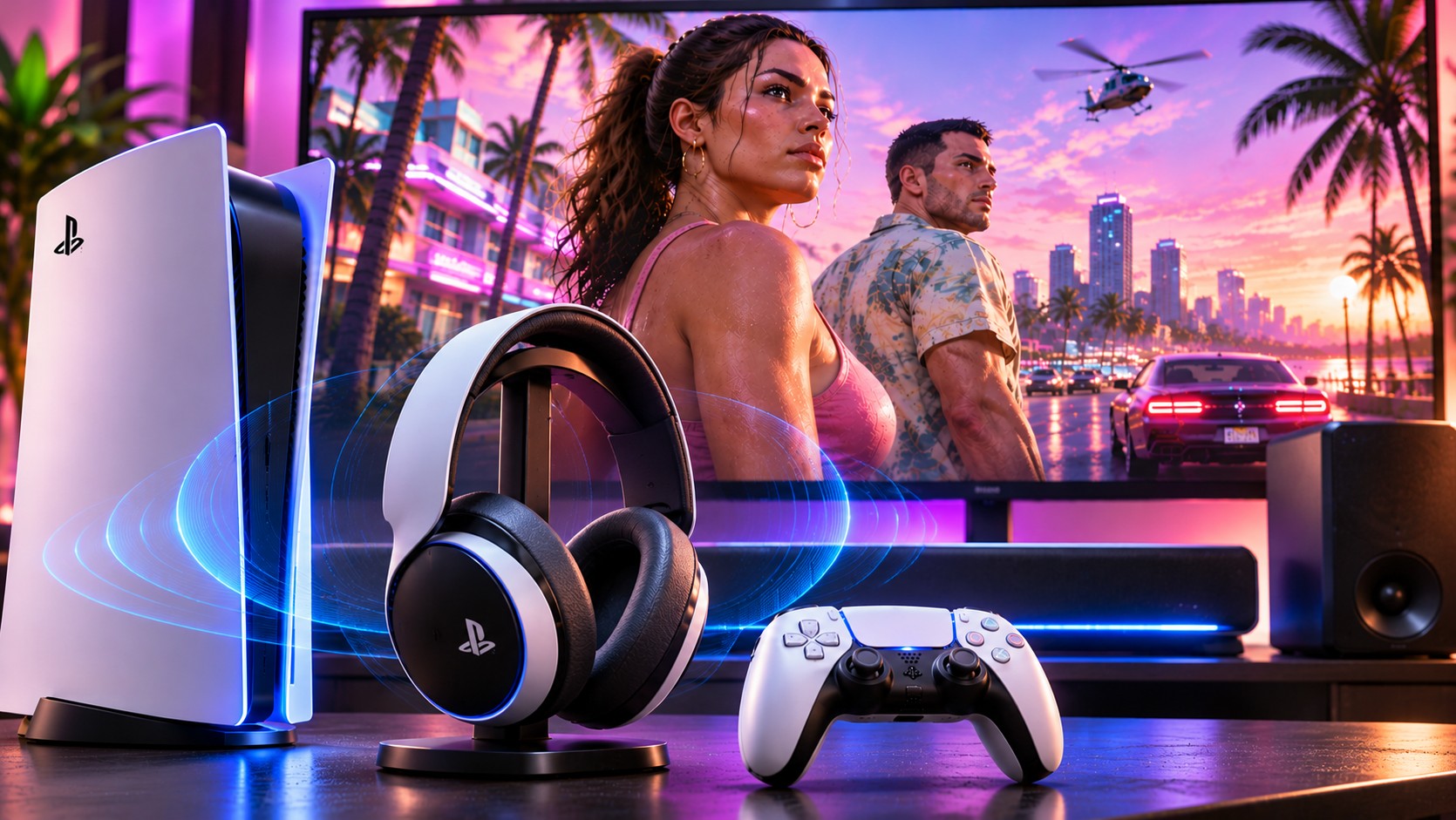
GTA 6’s visual spectacle attracts the attention, but its streets also need to sound believable. Rockstar and PlayStation say the game uses the PS5’s Tempest audio technology for precise positioning. That makes the choice between headphones, television speakers and a soundbar worth more thought than simply turning the volume up.
Why positional sound changes a city
In a convincing soundscape, a vehicle should not feel as though it comes from the centre of the television when it is moving behind the camera. The engine needs to place sounds in space, account for movement and balance overlapping sources. Tempest 3D Audio gives developers tools to make those directions easier to perceive through supported outputs.
Rockstar has highlighted GTA 6’s spatial audio as a PlayStation feature. That is an official statement about the technology being used. It does not guarantee every headset will produce identical results. Human hearing varies, and room acoustics can change what a television or speaker system delivers.
Headphones: begin with fit and a proper profile
For many players, headphones offer the simplest route to clear directional cues. They isolate some outside noise and place the left and right channels close to the ears. The PS5 offers a personalised 3D audio profile under Settings, Sound, 3D Audio (Headphones). It can also use preset profiles if the personalised result is uncomfortable or unclear.
The expensive-headset trap
A high price does not guarantee better localisation. Poorly fitting earcups can change bass and channel balance. Excessive equalisation may obscure important details beneath boosted low frequencies. Try a comfortable, correctly connected headset with a neutral starting profile before buying one marketed with dramatic surround-sound claims.
Wired headphones connected through the DualSense can be convenient. Compatible wireless headsets are useful when the cable is distracting. Check actual PS5 support rather than assuming ordinary Bluetooth headphones will pair directly for game audio.
Television speakers can do more than expected
Sony provides a 3D Audio (TV) setup that measures aspects of the listening environment with the controller’s microphone. Follow the on-screen instructions from the usual seating position. Then compare stereo and 3D output using familiar sounds. A small living room with a suitable television may deliver a satisfying result without extra equipment.
However, TV placement matters. A screen pushed into a deep cabinet or mounted beside reflective surfaces may sound less natural. The test should happen after furniture and seating are in their normal positions. Revisit the room measurement if the television moves.
Clear positioning matters more than sheer loudness, particularly when several sounds compete for attention.
Where Dolby Atmos fits into the picture
The PS5 supports output to compatible Dolby Atmos devices over HDMI, including supported soundbars, televisions and home cinema systems. Sony added this capability for Tempest-powered game audio in a system update. Select Dolby Atmos under Settings, Sound, Audio Output, Audio Format (Priority) when the connected equipment supports it.
A soundbar cannot create convincing height effects simply because an advert contains the Atmos logo. Speaker arrangement, room shape and whether the system uses physical or virtual channels all affect the result. If an AV receiver or television sits between the console and speakers, verify the HDMI audio path and eARC capabilities.
Correct the everyday problems first
If voices are too quiet, verify the speaker configuration and whether a surround signal is reaching a stereo device incorrectly. If audio seems delayed, inspect the television’s sound processing and external equipment. If the headset sounds hollow, compare the current 3D profile with ordinary stereo rather than increasing volume further.
Late-night gaming adds another consideration. Dynamic soundtracks can jump from subtle dialogue to loud effects. Lower overall volume and use supported output controls to protect hearing. A headset should not need uncomfortable volume to make footsteps or traffic movement intelligible.
Controller speakers should complement, not compete
PlayStation says GTA 6 uses the DualSense’s integrated speaker. Its small driver can give selected effects a local presence, but it is not a replacement for headphones or room speakers. If sounds seem strangely divided between devices, check the controller speaker level and the main audio output before assuming the game mix is faulty.
A receiver or soundbar can introduce additional volume and processing controls. Keep those settings simple during the first test. Once dialogue and spatial cues sound correct, experiment with personal preferences in small increments. Changing multiple equaliser bands at once makes it difficult to tell which adjustment helped.
Listen before you upgrade
GTA 6 will provide a useful test of the audio chain already in your home. Start with a correct PS5 output mode, spend time finding a comfortable level and compare results in a quiet environment. Upgrade only when you can name a limitation, such as poor speech clarity, weak directional cues or an awkward cable.
Good sound technology is easy to overlook because it works best when the player stops noticing the equipment. The aim is not louder chaos. It is a city that feels present, with each source occupying a believable place.