
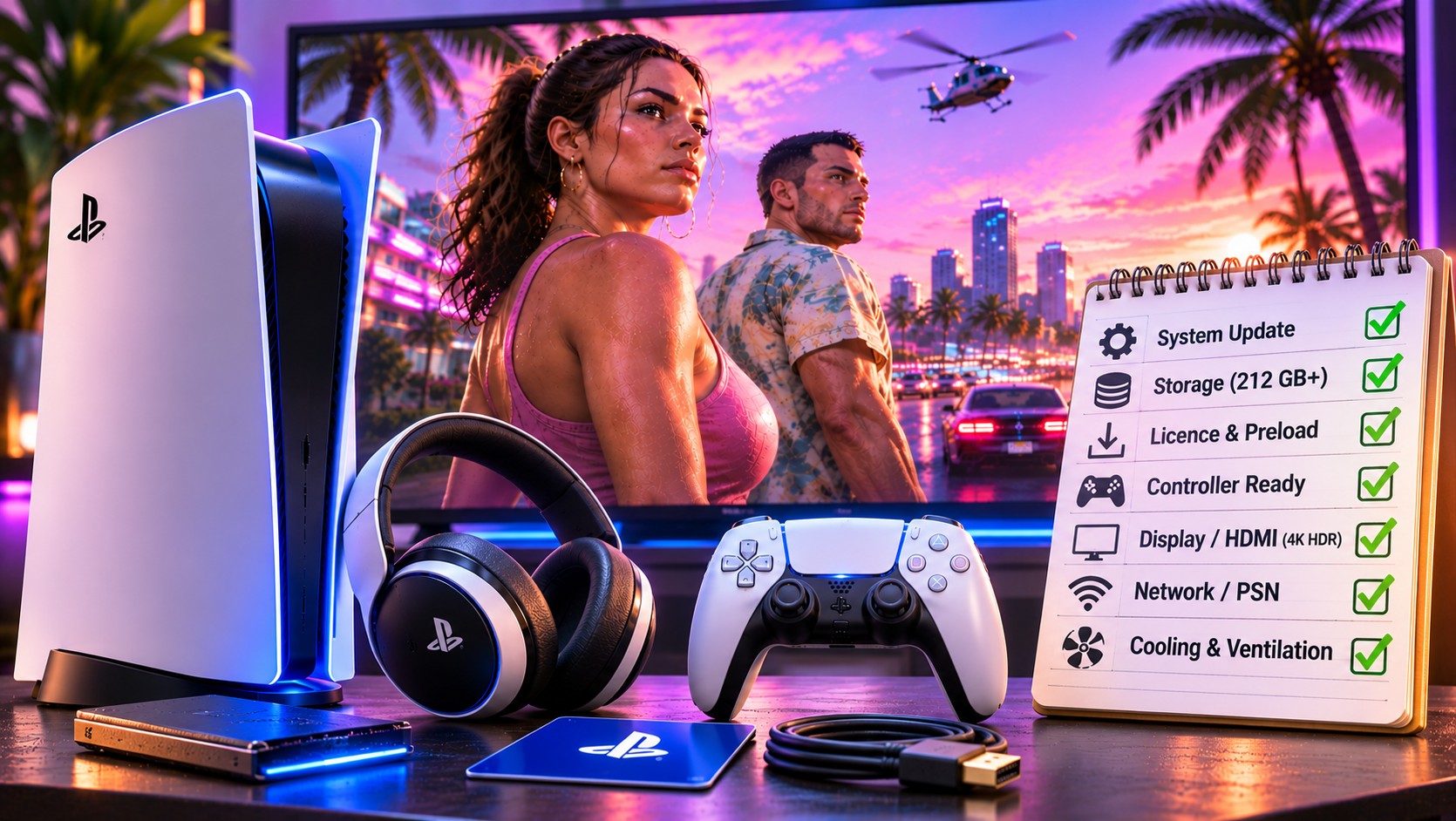
The last day before a major release is when small setup mistakes become expensive. GTA 6 launches on PS5 at midnight local time on 19 November 2026. With preloading already available, a careful check of the console, account and display is more useful than another round of speculative performance tweaks.
The evening before release: verify the essentials
Start in the Game Library and locate GTA 6. PlayStation’s support instructions say the preloaded game should show a timer counting down to launch. Open Downloads/Uploads to confirm the transfer is complete rather than merely queued. Remember that Sony lists 212 GB of required available space for preloading, and leave a sensible margin for updates.
Rockstar began digital preloading on 10 November. Owners of the physical edition should note an unusual detail: the retail box contains a download code rather than a disc. Redeem the code on a compatible account and check its region restrictions. Do not wait until midnight to discover that the code came from a market your PlayStation account cannot use.
Official schedule
PlayStation 5 release: 19 November 2026, midnight local time. A completed preload does not grant access ahead of the regional unlock.
Run a five-minute console inspection
- Check Settings, System, System Software for pending PS5 updates.
- Confirm the game has completed preloading and the account owns the licence.
- Make sure the console’s ventilation openings have clear space around them.
- Verify the DualSense is charged and its buttons respond normally.
- Check the television is using the desired HDMI input and game picture mode.
None of those checks is glamorous. Each eliminates a common source of frustration that has nothing to do with the game’s code. A controller running low on charge or a television displaying the wrong input can make the first few minutes feel unnecessarily chaotic.
Make sure the right account is signed in
The purchase account, the console’s sharing settings and region-sensitive voucher codes all deserve attention. If a game tile displays a padlock after the unlock, verify ownership and consider restoring licences before deleting a large installation. That approach follows Sony’s ordinary game-launch troubleshooting guidance.
Set the picture and sound, then stop adjusting
Use the PS5’s Screen and Video settings to confirm that the television receives the intended resolution and HDR signal. Enable the TV’s low-latency game mode and avoid unnecessary motion processing. Rockstar has confirmed a 30 FPS target on PS5 and PS5 Pro, so changing the display refresh rate will not create a hidden 60 FPS mode.
For audio, check the PS5’s 3D Audio options if you use compatible headphones or television speakers. GTA 6 supports Tempest spatial audio, while the DualSense is set to use haptics, adaptive triggers and its integrated speaker. Test the configuration with familiar system sounds rather than pushing every audio effect to maximum.
If something fails at midnight
| Problem | First response |
|---|---|
| Game remains locked | Confirm regional time, owner account and licence |
| Download is incomplete | Check Downloads/Uploads, space and network |
| Picture is blank | Check HDMI input, cable and output mode |
| Console displays a heat warning | Stop, cool down and inspect ventilation |
Work through one cause at a time. Restarting the PS5 may help a temporary software issue, but a factory reset is not a sensible first step. Sony’s Safe Mode includes less destructive maintenance options, and a full reset can erase user data. Backups matter before any step that affects saves or captures.
Rest Mode is useful only when configured
Players who want automatic updates should check the PS5’s power-saving and internet-connection settings. Rest Mode can support background transfers when the relevant options are enabled. Switching the console fully off may interrupt that plan. Confirm the actual Downloads/Uploads status rather than assuming the machine finished everything overnight.
Keep the console stable and ventilated during long downloads. There is no advantage in hiding it inside a closed cupboard to reduce fan noise. If the home network is unreliable, a short wired connection while finishing the preload may save more time than a complicated change to DNS or router settings.
Finally, avoid unofficial “unlock” downloads or files promising secret performance modes. The legitimate game is distributed through the supported platform channels, and the release schedule is already published. A few hours of patience are less costly than exposing an account to a fraudulent tool.
What not to buy on impulse
You do not need a desktop RAM kit, replacement graphics card or unverified cooling attachment to run GTA 6 on a supported PS5. Nor does a 120 Hz television alter Rockstar’s stated target frame rate. Storage expansion may be useful if your library is consistently full, but deleting old installations can be enough for occasional players.
The point of launch preparation is simple: remove preventable obstacles. A finished preload, an accessible account, a stable console and a correctly configured screen leave you with far fewer technical distractions when the clock reaches midnight. After that, the most worthwhile setting is the one you stop thinking about because it works.