
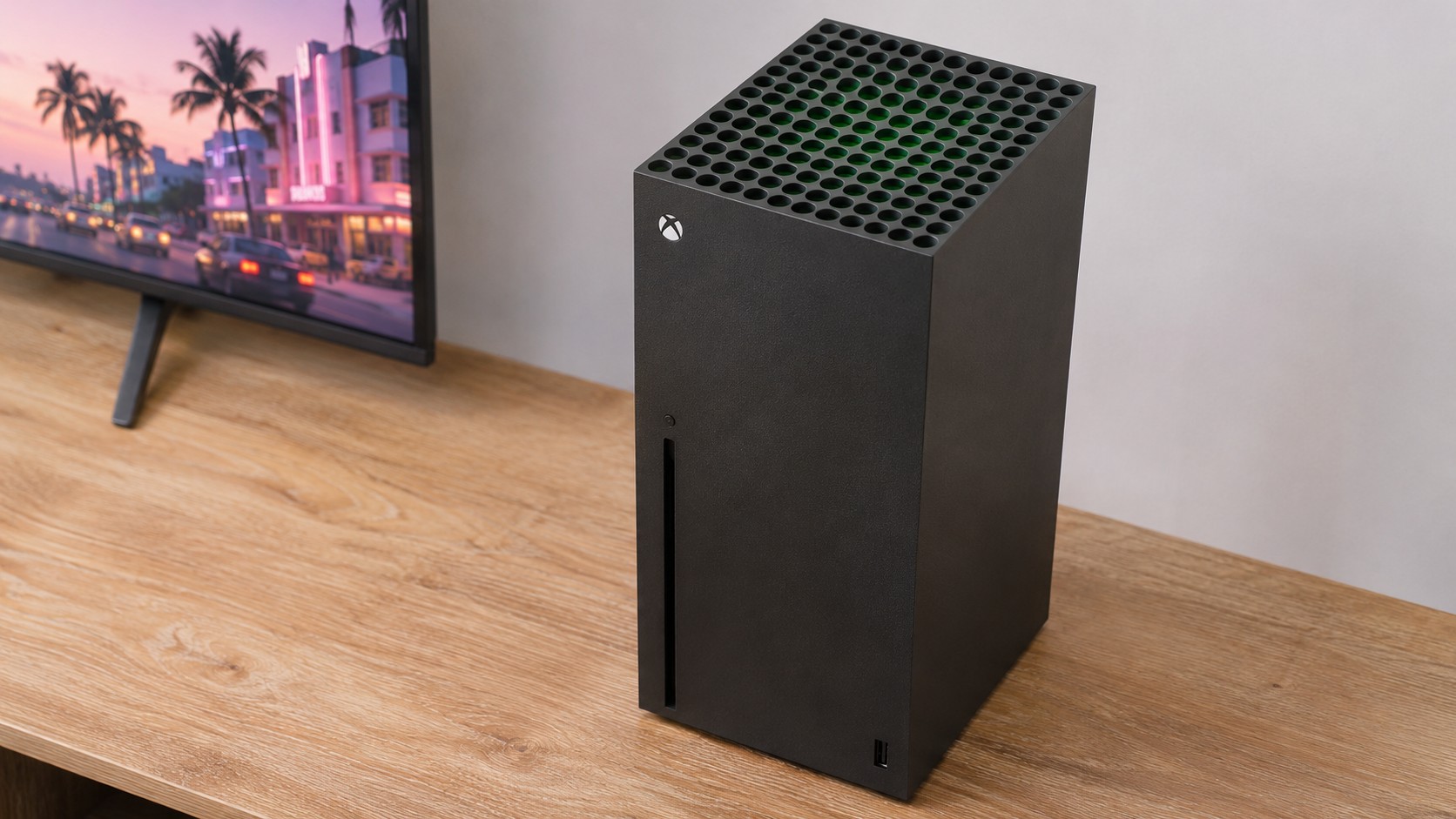
Warm exhaust is an observation. Repeated shutdowns are a reason to investigate.
The air leaving an Xbox can feel warm during a long GTA 6 session. That alone does not establish an overheating fault. A cooling system removes heat from working electronics, so the air outside the case is part of the process. What deserves attention is a change in behaviour: warnings, unexpected shutdowns or a new mechanical noise.
Searching for GTA 6 Xbox overheating should therefore begin with the console’s condition and placement. A demanding game can expose an existing problem. It does not prove what caused it.
Read the symptom before buying a solution
- Warm air with normal operation
- Check that air can circulate freely. Warm exhaust alone is not a reliable measurement of internal component temperature.
- A sudden change in fan noise
- Note when it begins and whether anything nearby is vibrating. Do not insert an object into the vent to investigate.
- An overheating warning or repeated shutdown
- Stop the session, allow the console to cool and inspect its surroundings before trying again.
The cabinet can matter more than the room
A living room may feel comfortable while a narrow entertainment unit traps warm air around the console. Look behind the shelf as well as above it. A cable bundle, wall panel or nearby device can restrict the path that seemed clear from the sofa.
Microsoft’s Xbox Series X|S safety manual warns against blocked ventilation, soft surfaces and confined spaces without adequate airflow. It also advises keeping the console away from external heat sources. Those recommendations apply before any discussion of fans, accessories or game settings.
Give the console an honest airflow test
After shutting it down, move the console to a stable, open surface with unobstructed vents. Keep its proper supporting feet in contact with the surface. Do not balance it on improvised stands or place it on fabric.
Think about changes outside the console, too. A closed cabinet door, an amplifier placed beside it, or direct afternoon sunlight can alter the setup without changing a single Xbox setting. Photograph the position before moving anything if you need to describe it to support. A clear view of the shelf is more informative than guessing how hot the processor became.
Once it has cooled, a short normal session can help reveal whether the enclosure was contributing to the problem. Record exactly what changed each time. If warnings return, stop testing; repeating a shutdown does not make the diagnosis more precise.
Why the vent is part of the design
In its account of the Series X design, Microsoft describes arranging the internal structure around a large axial fan and an airflow path through the system. The case shape serves that cooling plan.
This is why covering a vent for appearance is a poor trade. The console should not have to compensate for a decorative object, stacked accessory or shelf that leaves nowhere for exhaust to go. A tidy setup must still allow the machine to breathe.
Noise is a clue, not a temperature reading
A fan becoming audible tells you that something about the sound has changed. It does not identify a temperature, defective bearing or software fault. Compare the sound with the console’s own previous behaviour, rather than a compressed phone recording of someone else’s setup.
Remove loose objects from the surrounding shelf and check whether the furniture itself is resonating. Do this with the console safely powered down when movement is necessary. Keep observations separate from guesses about internal parts.
Keep a brief record across ordinary sessions: room conditions, approximate playing time and any warning. Consistency is useful. A problem that appears only after the cabinet closes suggests a different investigation from a console that shuts down soon after starting in an open position. Neither observation requires opening the case yourself.
Maintenance has a sensible stopping point
Keep the area around the Xbox clean and inspect the exterior for visible dust. Before cleaning, disconnect power and follow Microsoft’s device guidance. Avoid liquids entering openings, forced tools through grilles or an improvised teardown prompted by a forum comment.
Cooling accessories are not a substitute for diagnosing repeated shutdowns. Before spending money, establish whether the existing ventilation path is clear and whether the same failure occurs across more than one game. An accessory purchase without that information can simply postpone the real investigation.
If trouble persists in a properly ventilated position, arrange support. Microsoft has expanded its Xbox repair options, although availability varies by model and location. Check the service offered for your particular console rather than assuming an online repair suggestion applies everywhere.
Provide the warning text, console model, approximate session length and whether other titles trigger the same behaviour. Those details are more useful than saying GTA 6 makes the Xbox hot. The practical goal is reliable operation, with clear evidence when the console needs professional attention.