
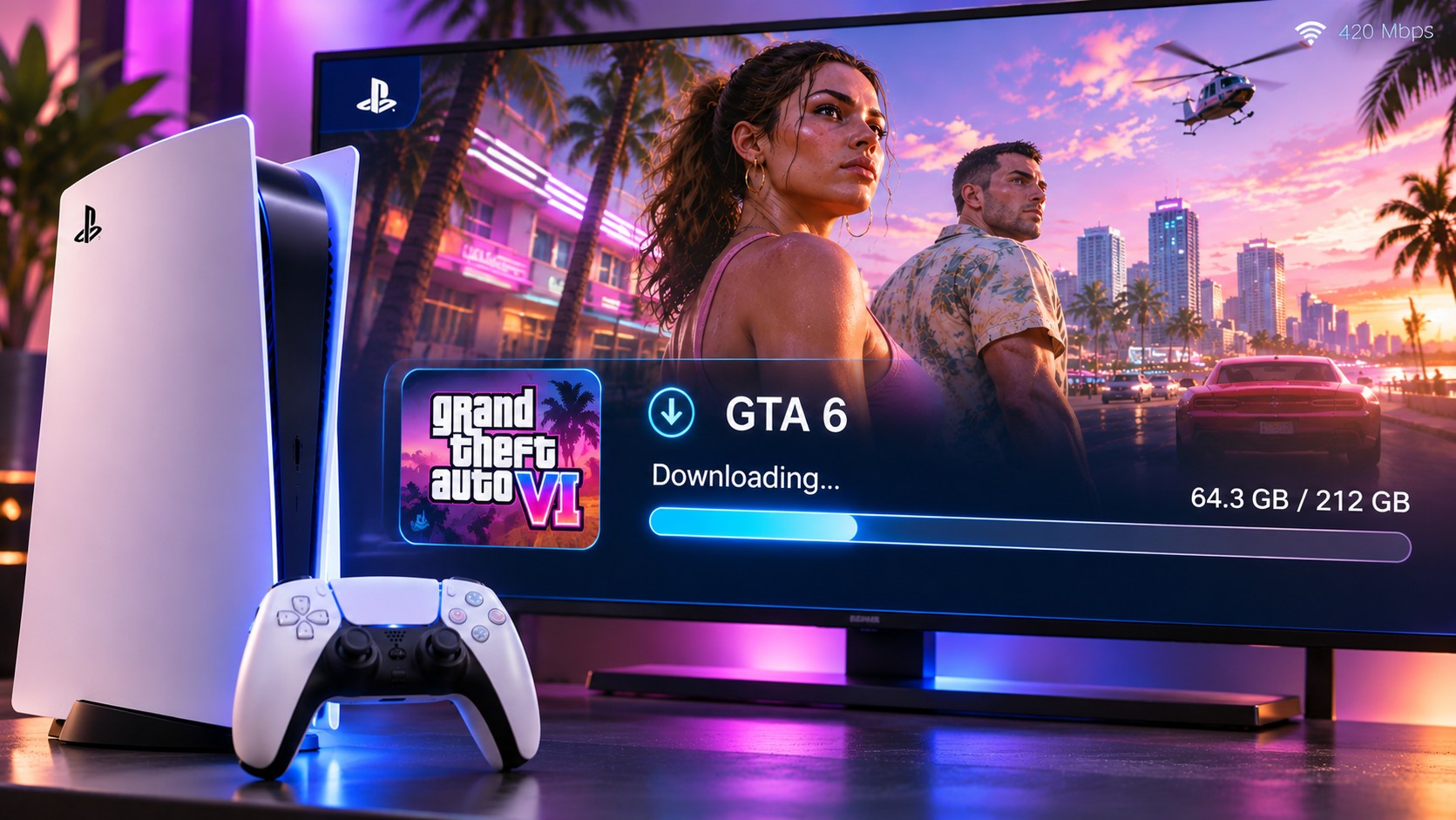
The most frustrating part of a new game can be the progress bar. With GTA 6 preloading on PS5 requiring 212 GB of available storage, download planning deserves almost as much attention as the game itself. A fast broadband contract helps, but it does not guarantee a fast transfer.
First, understand the number your provider advertises
Internet packages are usually sold in megabits per second, written Mbps. File sizes use bytes, and there are eight bits in a byte. That difference explains why a connection advertised as 100 Mbps does not deliver 100 megabytes every second. Its ideal ceiling is roughly 12.5 megabytes per second before overhead and congestion.
Rockstar describes the GTA 6 preload as requiring up to 212 GB, depending on the device. The following figures use 212 GB as a simple calculation example, not a promise about how long PlayStation’s servers will take to complete every download.
| Connection speed | Ideal time for 212 GB | Real-world expectation |
|---|---|---|
| 50 Mbps | About 9 hours, 25 minutes | Often longer |
| 100 Mbps | About 4 hours, 43 minutes | Often longer |
| 300 Mbps | About 1 hour, 34 minutes | Often longer |
| 1 Gbps | About 28 minutes | Often longer |
Why Wi-Fi loses speed before the download begins
A wireless signal must compete with walls, distance, neighbouring networks and other devices in the home. A console beside a busy router may perform well, while the same PS5 inside a cabinet two rooms away can suffer interruptions. The broadband line has not changed. The wireless path has.
For a large transfer, try a wired PS5 Ethernet connection if the router is nearby. Set it up under Settings, Network, Settings, Set Up Internet Connection, then choose a wired LAN connection. A good cable removes wireless interference as a variable. It cannot overcome a slow internet plan or a congested download service, but it usually provides a more predictable link.
Five gigahertz is not always the answer
A 5 GHz Wi-Fi connection can offer higher speeds under favourable conditions, although it generally reaches through obstacles less effectively than 2.4 GHz. The better band depends on where the console sits. Test both if your router and PS5 permit it. Do not assume the band with the larger number is faster in every room.
When the queue freezes instead of moving
PlayStation’s GTA VI support guidance recommends opening Downloads/Uploads, selecting the GTA 6 download, then pausing and resuming it. If the preloading process still will not begin, the support steps include cancelling the failed transfer and restarting the download from Game Library. First verify free storage, account access and the current system software.
Before cancelling a large download
Confirm the transfer is genuinely stalled rather than moving slowly. Starting again can waste data and time, particularly on connections with monthly usage limits.
Rest Mode can allow downloads when the PS5 is configured to remain connected to the internet. This is convenient for overnight transfers, but it is not an automatic speed booster. A popular trick involving custom DNS servers may help resolve a genuine name-resolution issue. It does not create bandwidth where none exists.
A more reliable speed test takes several minutes
Test the PS5 connection, then compare a second device connected to the same router. Repeat at a quiet time and during the evening when the household is busy. If every device slows at the same time, suspect the broadband connection or local congestion. If only the console struggles on Wi-Fi, its placement and radio link deserve attention.
Check whether someone is uploading large videos or backing up photos. Upload saturation can affect responsiveness on certain home connections, even when the download allowance looks generous. Router quality-of-service settings may help divide limited bandwidth, but they are not a substitute for enough capacity. Change one setting, measure again and keep the result only if it improves.
Players with mobile broadband or capped home plans should check the billing allowance before downloading 212 GB. The ideal time estimate says nothing about excess-data charges. Also verify that scheduled updates and Rest Mode internet access are enabled if you plan to leave the transfer running overnight.
Bandwidth and installation are different stages
The console may appear busy after the network transfer finishes because it still has data to install or verify. A short period of disk activity does not prove that the internet is slow. Likewise, downloading to an external USB hard drive will not make a native PS5 title playable there; it must live on internal or compatible M.2 SSD storage.
On the night before release, the most effective plan is ordinary: finish preloading, check updates, leave some free space and verify that the launch timer is visible. GTA 6 is scheduled to unlock at midnight local time on 19 November 2026. The final few minutes are better spent checking the installation than changing network settings without a clear reason.