
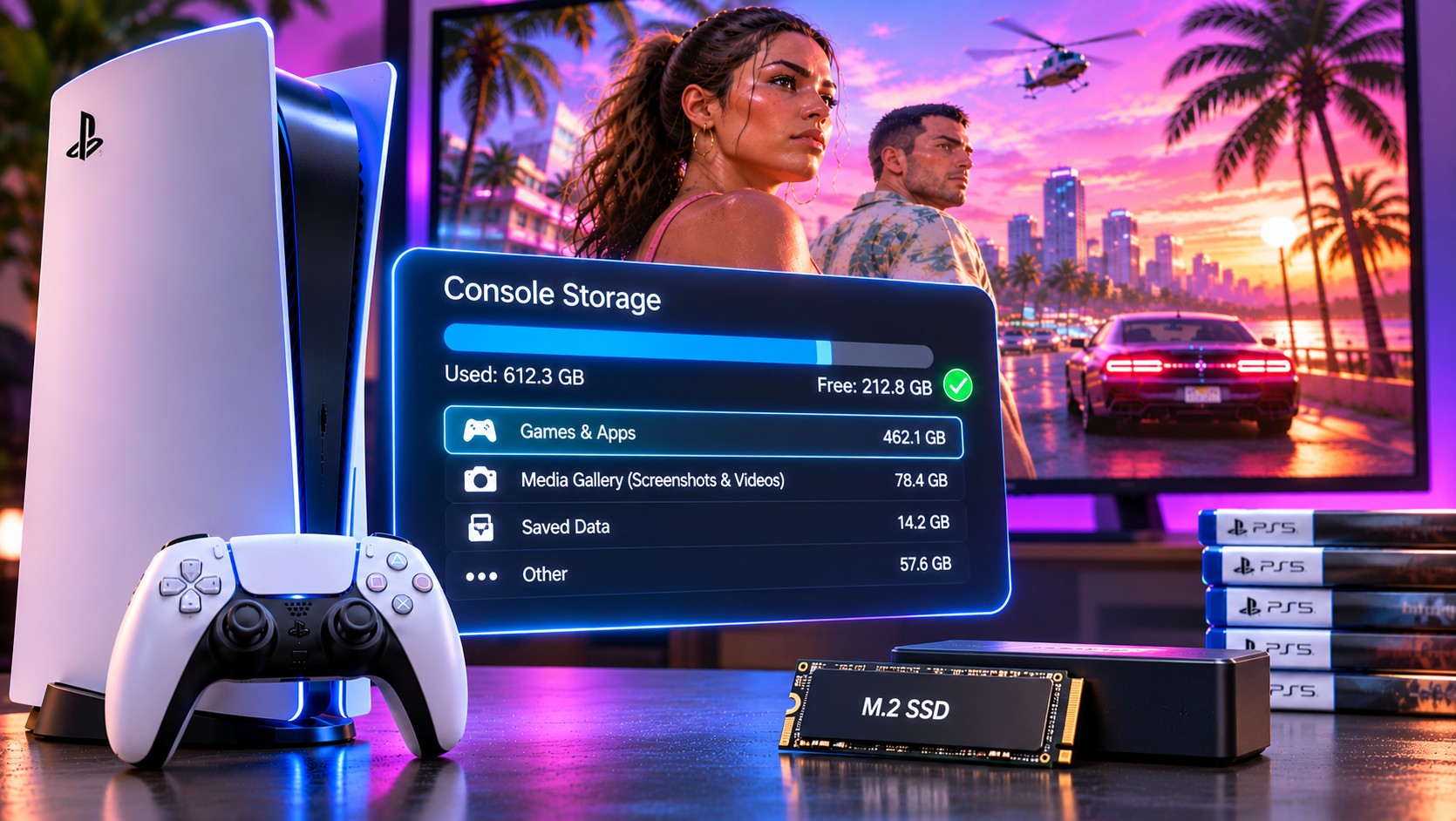
The PS5 storage screen can be brutal before a major release. PlayStation specifies 212 GB of available space for GTA 6 preloading, and a few half-finished games can consume that amount without much warning. Making room does not need to mean sacrificing favourite saves or deleting every screenshot.
Begin with the number the PS5 actually shows
Open Settings, Storage and inspect the space currently available. Do not calculate from the SSD’s advertised capacity. System-reserved storage reduces the amount available to install games. Preloading also differs from simply watching a download bar, because the console must manage installed files and updates.
Start with the largest installed titles you have not opened in months. Removing one seldom-played game may accomplish more than deleting dozens of small applications. Before confirming, look at the storage category carefully. Installed game data and saved progress are not interchangeable.
The safest order for reclaiming space
- First: inspect installed games and remove titles you can readily download again.
- Second: review the media gallery for old recordings and duplicate captures.
- Third: check whether an external USB archive can hold PS5 games you rarely use.
- Finally: consider an M.2 SSD if you continually run out of playable space.
Long video clips can quietly grow into a significant collection. Move recordings you want to keep to appropriate storage before deleting them from the console. A capture of a memorable playthrough may be impossible to recreate; an installed game package is usually easier to download again.
Game files are not your saved progress
Deleting an installed game through normal storage management is not the same action as deliberately deleting its saved data. Still, never assume every game synchronises perfectly. Review save management separately, confirm any cloud backup and keep important progress protected before performing a reset or other disruptive action.
PlayStation Plus cloud storage is available for eligible users and accounts, but it is not a substitute for checking whether a particular save has actually synced. A subscription badge does not prove that the most recent session reached the cloud.
USB storage is an archive, not a launch drive
An external hard drive or SSD can store PS5 game installations. It cannot launch native PS5 games directly. To play one again, copy it to internal console storage or a supported M.2 NVMe expansion drive. The distinction matters when choosing where GTA 6 will live after downloading.
A better way to plan an SSD upgrade
Look for a supported PCIe Gen4 x4 M.2 NVMe drive, the correct dimensions and effective heat dissipation. Sony recommends at least 5,500 MB/s sequential read speed. Do not buy an M.2 SATA drive by mistake.
Why filling the last gigabyte is a poor strategy
Updates may require working room as files are checked and replaced. A full drive leaves little flexibility when another game patches itself or the system creates temporary data. Nobody can promise that exactly 212 GB will remain sufficient for every future GTA 6 update. Build a margin based on how many other large games you keep active.
If you have unreliable internet, storage decisions become even more important. Archiving finished games to USB may save a later re-download. If you have fast broadband and play only a handful of titles, deleting old installations can be the cleaner and cheaper approach.
Shared consoles need an extra check
When several people use the same PS5, installed games and save data may belong to different accounts. Deleting a large title can be harmless for one player but disruptive for someone who intended to continue it that evening. Ask before removing shared installations, and inspect which account holds the game’s purchase licence.
The same caution applies to screenshots and video. A clip of a rare moment may have sentimental value even if the file is technically disposable. Export important media first, verify the copy opens and only then remove the local original. This takes longer than selecting everything, but it avoids irreversible surprises.
Decide now where future updates will go
After the initial preload, GTA 6 may receive further patches. There is no guarantee that the original free-space requirement will cover every future operation. Leave a buffer and revisit Storage after major updates. Frequent players may prefer an M.2 SSD as a permanent solution rather than moving games back and forth every week.
Leave the console ready, not empty
Once the preload begins, check Downloads/Uploads and make sure the game is installing where you expect. Keep an eye on any pending system updates. Resist deleting saved data just because it appears near the storage controls. That is usually a high-risk, low-reward way to recover space.
GTA 6’s size makes housekeeping necessary, not complicated. A deliberate inventory, a little spare capacity and a clear understanding of what can be downloaded again will get most players ready without buying new hardware or losing something personal.