
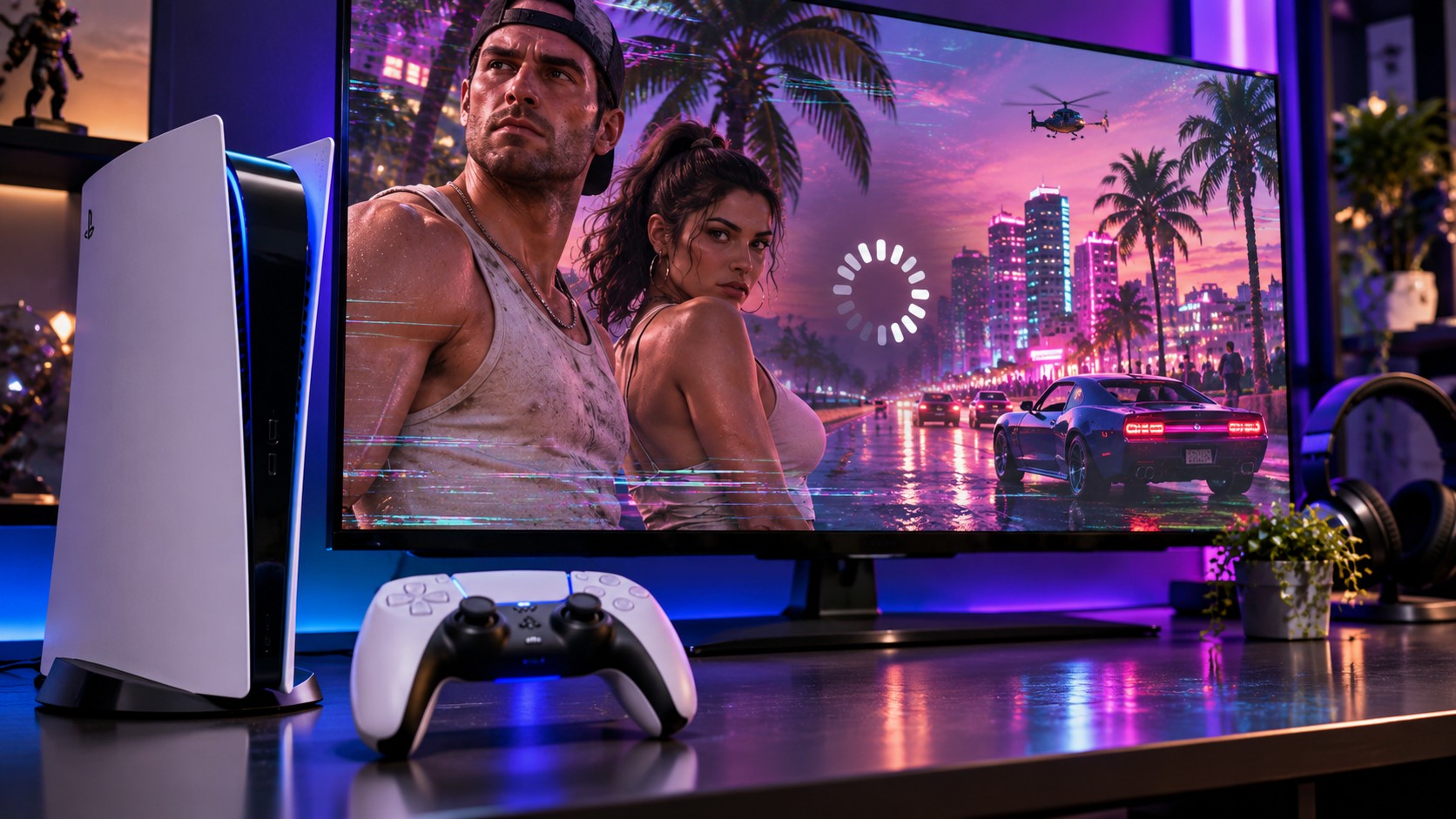
A locked game, a stalled download and a frozen console can look like the same problem. They are not. If GTA 6 won’t start on PS5, choosing the right first check may save hours of unnecessary downloads and protect your saved data.
Rockstar has scheduled Grand Theft Auto VI to release at midnight local time on November 19, 2026. PlayStation 5 preloading began on November 10. A completed preload is only an installation; it does not grant early access before the regional unlock.
First decide what has actually failed
Before changing any settings, identify the symptom. Does the game show a countdown? Has the download stopped moving? Does an error appear after launching? Or has the PS5 itself stopped responding to the controller?
A countdown usually indicates the title has not unlocked. A frozen progress bar points to the download queue, network or storage. A game that opens and then closes may require an update or installation check. A completely unresponsive console is a hardware or system stability concern, not necessarily a GTA-specific bug.
Do not confuse preload access with launch access
Check the date and time in your PlayStation region. If November 19 has not started locally, wait for the release rather than removing the game. Rockstar and PlayStation’s support information confirms that the release is scheduled for a rolling local-midnight unlock.
Work through the safest checks in order
- Update the game. Highlight it on the PS5 home screen, open the options menu and check for an available update.
- Update system software. Open Settings, then System, System Software, and System Software Update and Settings.
- Restart normally. Close the game, reopen it, then restart the console if the issue continues.
- Inspect download progress. Open Downloads/Uploads from the control centre. Pause and resume a stalled transfer.
- Check free space. Use Settings, Storage to inspect capacity before attempting another download.
PlayStation’s GTA VI guidance lists 212 GB as the storage requirement. Leave enough additional breathing room for normal system operations and updates rather than filling the drive to its limit.
If the download repeatedly stops
Confirm that the console remains connected to the internet and check PlayStation service status. A platform outage can look like a corrupt game file. If you use rest mode for downloading, enable Stay Connected to the Internet in the PS5’s power-saving options.
Only consider canceling and restarting the download once the service, storage and update checks are complete. A reinstall consumes time and bandwidth; it should not be the first response to every stalled percentage.
When licenses or ownership are the problem
Digital purchases are tied to the purchasing PlayStation account. Confirm that you are signed in to the account that bought the game or redeemed the boxed code. If a license error persists, use the PS5’s restore-licenses option under user and account settings.
Players who bought a GTA 6 code-in-box edition should check that the code was entered successfully. These packages do not contain a playable disc. Regional restrictions can also matter, particularly if a code was purchased for a different PlayStation account region.
Keep save files out of routine cleanup
Deleting the installed game is different from deleting saved data. Even so, menus should be read carefully before confirming a removal. Back up important saves using supported PlayStation methods when available, especially before advanced system maintenance.
Account sharing introduces another potential complication. If a family member bought the game, the console may need the purchasing account’s Console Sharing and Offline Play setting enabled. Verify that arrangement before blaming the installation. This is particularly relevant when several household members use one PS5.
Keep your tests narrow. If the error occurs only after selecting one save file, try a different supported entry point without overwriting that save. If every title fails, investigate the console rather than treating one game’s files as the cause.
A persistent freeze needs a different response
If the PS5 dashboard remains responsive but GTA 6 closes repeatedly at the same point, record the error code, what you were doing and whether other games work normally. That information is useful when reporting a potential game defect.
If the whole console locks up across multiple titles, stop launching the game repeatedly. Follow Sony’s official hardware and Safe Mode support instructions. Avoid a factory reset or deleting saves merely because a troubleshooting post suggests it.
On release week, it is tempting to assume every failure is a widespread GTA 6 crash bug. The simplest explanation may be a region lock, incomplete installation or temporary service issue. Start with the reversible checks, change one thing at a time and keep a record of what happens. That approach is slower than guessing, but often much faster than repairing the wrong problem.